Wash The Skyscraper Controls
Official PC and controller maps, careful mobile notes, and aiming tips for rotating the washer and squeegee on glass.
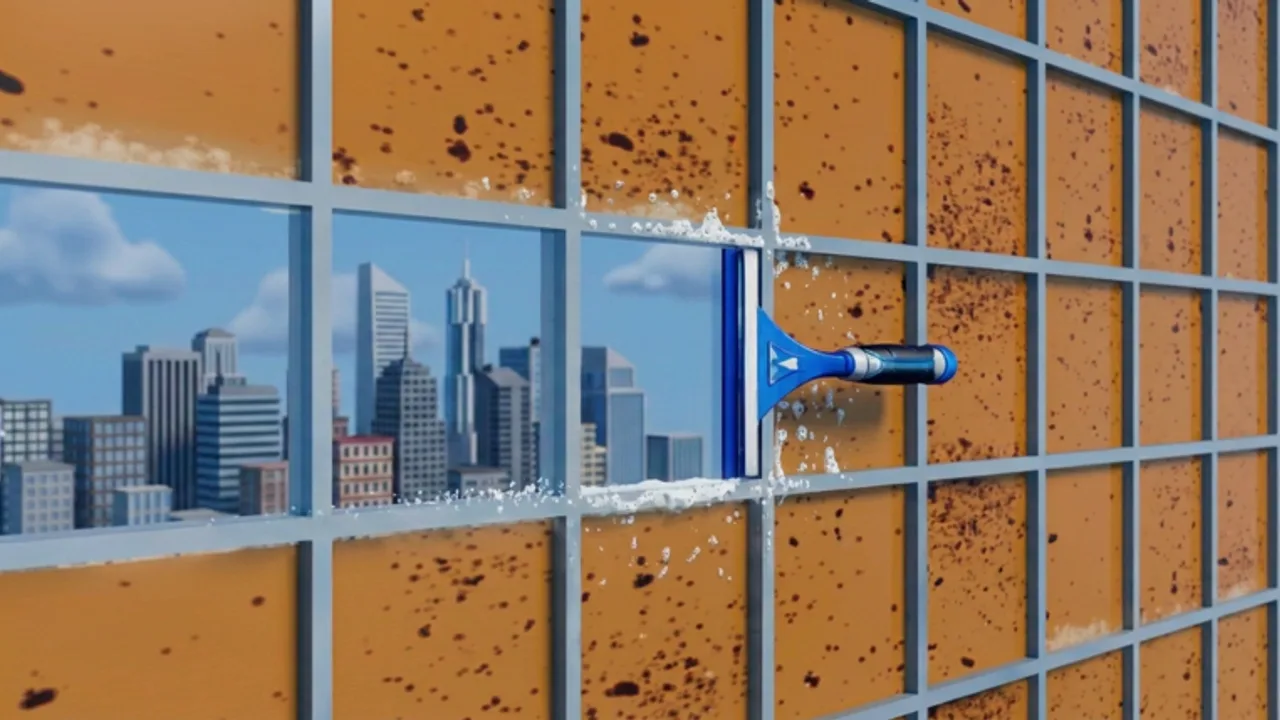
Wash The Skyscraper only asks for three equipment actions: use the tool, rotate the tool, and open upgrades. Everything else is movement and camera. This page is the official control map from the Roblox listing, plus practical aiming notes so those three actions actually clean a skyscraper. It is not a copy of Wash The House. If you came here mashing E, G, or Y, stop — those binds belong to a different game.
Once the keys feel automatic, take the loop to How to Play and the finish route to How to Complete. Day-one onboarding is on Getting Started. All of those pages assume the map below.
Official PC controls
Lazy Cleaners lists a short PC map. Use it as the source of truth.
| Action | Input | What it is for |
|---|---|---|
| Use equipment | Click | Fire the power washer or pull the squeegee on the surface under your aim. |
| Rotate equipment | R | Turn the washer or squeegee to match tall glass, corners, and thin edges. |
| Open upgrades | U | Spend coins on cleaning speed and reach when you hit a bottleneck. |
| Move | WASD | Walk the facade, step along a ledge, and line up a stroke. |
| Camera | Mouse | Aim at dirt and look along a pane from an angle to spot streaks. |
Click is the use action. Some tools want a tap; some want a held pass. If a spray dies instantly, hold. If a squeegee stroke smears because you are tapping, hold and pull. Do not bind use to E. There is no official pickup/drop pair on this listing, because the loop is wash and wipe, not item-return.
R is not optional flavor. Default orientation is fine on a wall in front of you and wrong on a lot of windows. Rotate, make one slow pass, then keep that orientation until the surface type changes. Reset when you swap from washer to squeegee so you do not inherit a vertical blade on a horizontal ledge.
U is the shop. Open it when you have coins and a sentence for the purchase — too slow, or cannot reach — then close it and test. Standing in the menu on a ledge is how people fall behind a co-op crew. Upgrade value talk belongs on the Tier List Hub between sessions.
Official controller controls
The listing maps the same three actions to a gamepad.
| Action | Input | What it is for |
|---|---|---|
| Use / interact | RT (right trigger) | Use the equipped washer or squeegee. |
| Rotate equipment | X | Turn the tool to match the surface. |
| Open upgrades | Down (D-pad) | Open the upgrade list. |
| Move | Left stick | Walk and strafe along the facade. |
| Camera | Right stick | Aim and inspect glass from an angle. |
RT is use, not a Wash The House pickup. If you are used to Y for upgrades in other cleaning games, relearn Down. Pressing the wrong face button will feel like the game is broken when the menu is simply on D-pad Down.
Trigger use rewards a steady hold more than a mash. Ease onto a pane, hold RT, pull the stroke, release. Rotate with X between strokes, not in the middle of a hold unless you are deliberately rolling around a corner. Keep camera sensitivity low enough that a squeegee pull does not become a flick.
If both a keyboard and a controller are connected, Roblox may swap prompts. Pick one device for the session so Click and RT are not fighting. The rest of this wiki will say Click / RT, R / X, and U / Down as pairs for that reason.
Mobile notes (no official touch map)
Lazy Cleaners has not published a full mobile control map. Roblox still lets phones and tablets join, so you will see on-screen buttons, but this wiki will not invent a layout that is not in the listing.
What you can treat as safe:
- Join the experience the same way you join any Roblox game on mobile.
- When a tool is equipped, tap or hold the use control the HUD shows. Hold for a continuous washer spray or a long squeegee pull.
- Look for rotate and upgrades on the HUD rather than assuming they sit on the same letters as PC. If a button is labeled, use that label.
- Third person often makes glass easier to see on a small screen. If aim feels floaty, slow the camera and stand closer to the pane.
If a mobile prompt disagrees with this page, trust the prompt. This section is a careful note, not a second official map. When you can sit at a keyboard, the PC table above is cleaner for learning rotate on tall windows. Then return to mobile with the habit already built.
Aiming and rotating on glass
Most control complaints are aim complaints. The binds work. The stroke does not.
Stand close enough that the washer cone or squeegee blade clearly intersects the surface. If you are too far, Click and RT still fire, but they spend the pass on air. For glass, square your body to the pane, then rotate so the blade’s long edge matches the pane’s long edge. A diagonal blade on a rectangular window is how streaks are born.
Work the edges on purpose. Center-of-pane spam leaves a dirty frame that a finish check will catch. Start a squeegee stroke at one gasket and pull through to the opposite gasket. Overlap the next stroke slightly. If the window is taller than the blade, rotate and run vertical passes instead of pretending a tiny horizontal dab will finish it.
Camera angle is a tool. After a pass, look along the glass rather than straight at it. Streaks that were invisible head-on show up as lines. That side-on look is the same trick the completion guide uses on a whole facade. Pair it with band-by-band work on How to Complete so you are not aiming at random windows out of order.
On controller, right stick drift is the enemy of a clean pull. Make the stroke with movement (left stick) more than with camera flicks. On PC, keep the mouse still during a held squeegee pass unless you are tracing a curve. Rotate first, then pull, then rotate again if the next pane has a different shape.
Practice drills that make the binds stick
Do not grind the whole tower to learn keys. Run three short drills, then play normally.
- Washer field: pick one dirty wall, Click / RT only, no shop. Overlapping strokes until the field is gone.
- Squeegee rotate: pick a tall window, press R / X until the blade matches, one slow pull, then the next pane.
- Upgrade open-close: press U / Down, read one line, close the menu, go back to work. Build the habit of short shop visits.
Ten minutes of that is worth an hour of confused climbing. After the drills, set a real session goal on How to Play or invite a friend and split washer versus squeegee. Servers hold 20 players, so binds that you can use without looking matter more in a crowd than they do in a solo sandbox.
If a patch changes prompts, check Updates. If you hoped a code would skip the first upgrades, check Codes — none were verified as of September 2026. Then come back here only when a bind feels wrong. The rest of the time, the skyscraper needs the loop, not another look at the table.
Frequently Asked Questions
Quick answers for Wash The Skyscraper on Roblox.
What are the official Wash The Skyscraper PC controls?
Click uses equipment, R rotates equipment, and U opens upgrades. Movement is WASD with mouse look. Do not use E, G, or Y from Wash The House.
What are the official controller controls?
RT uses or interacts, X rotates equipment, and Down on the D-pad opens upgrades. Left stick moves, right stick aims.
Is there an official mobile control list?
Not on the Roblox listing. Tap or hold the on-screen use control for your equipped tool, and follow HUD labels for rotate and upgrades. Trust in-game prompts over any guessed layout.
Why does the squeegee streak even when I press the right button?
Usually aim or orientation, not the bind. Stand closer, rotate with R or X so the blade matches the pane, and pull a full stroke. More on this in How to Play.
Where should I go after I know the keys?
New players should follow Getting Started. Everyone else should use How to Play for the loop and How to Complete for a finish run.